Save TikTok recipes you actually want to cook.
Paste a publicly accessible TikTok recipe link to draft an editable card when enough recipe information can be retrieved. Check it against the source before cooking.
How it works
- Add a public recipe link, a recipe image, or your own recipe.
- Review the ingredients and instructions; correct anything missing.
- Save the recipe to your vault and organize it in a collection.
- Choose meals, check your grocery list and open the recipe to cook.
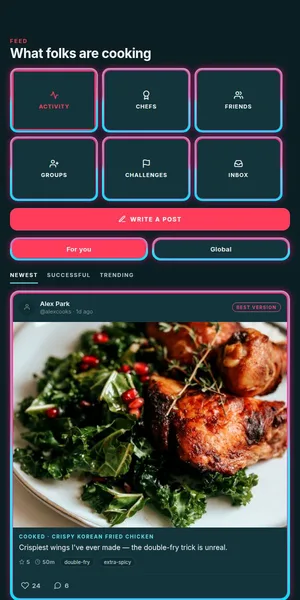
Paste a link, get a recipe card
Paste a publicly accessible TikTok recipe link. If its recipe information can be retrieved, DishVault uses the available details to draft ingredients and steps. Private, login-blocked or sparse posts may not yield a usable recipe.
When AI extraction helps
When enough recipe detail can be retrieved, AI can draft ingredients and steps. If the source is too sparse, enter the recipe yourself. Review and correct amounts and steps before cooking.
Save it your way
Add the recipe to a collection like 'Weeknight Dinners' or 'TikTok Pasta Hits.' Tag it with cuisine, meal type, or any label you want. Adjust servings and the ingredient quantities scale automatically.
Cook hands-free
Open the saved recipe in voice cook mode. Say 'next step' or 'start a timer for 10 minutes' so you never have to wash flour off your phone screen mid-knead.
Frequently asked
Does DishVault download videos from TikTok?
No. DishVault uses recipe details it can retrieve from publicly accessible links. It does not bypass login or privacy restrictions or republish a creator's video.
Will it work on every TikTok recipe?
No. A private or login-blocked link, or a post without enough retrievable recipe detail, may not produce a usable draft. Review and correct ingredients, amounts and steps against the source.
Can I edit the extracted recipe?
Yes — every field (title, ingredients, steps, times, notes) is fully editable before and after saving. You can also add your own photos.
Is the saved recipe private?
Yes by default. Recipes are private to your vault unless you choose to make them public or share them to a group.
How much does it cost?
You can create a free profile without a credit card. Check the app for current plan limits and subscription details.
Related DishVault guides
Try DishVault — Create Free Profile. No credit card required.