Plan meals and build one grocery list.
Choose saved recipes for your weekly plan and build one grocery list you can use while shopping. Review amounts before buying.
How it works
- Add a public recipe link, a recipe image, or your own recipe.
- Review the ingredients and instructions; correct anything missing.
- Save the recipe to your vault and organize it in a collection.
- Choose meals, check your grocery list and open the recipe to cook.
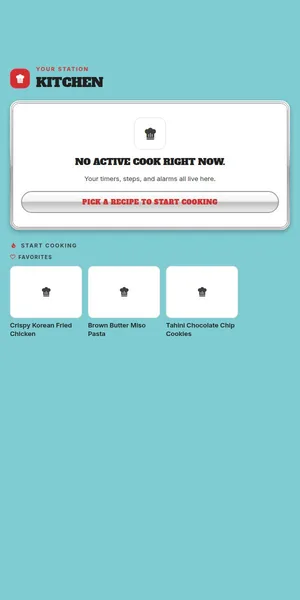
Choose meals you want to make
Start with recipes already in your vault and add them to the week. You can change plans when real life changes.
Build a list from ingredients
Send planned recipes to one grocery list, review the amounts, and add anything else you need. Check items off while shopping.
Send a text copy if needed
Send grocery-list text through your device's share options or copy it to notes. This is a separate copy, not a jointly editable or live-synced list.
Cook from the same recipe
Open the saved card to follow its steps while cooking. Check the source and adjust servings and quantities before you buy.
Frequently asked
Can I make a grocery list from several recipes?
Yes. Add ingredients from your planned recipes to a list and review similar items and units before shopping.
Does meal planning require AI suggestions?
No. Pick your own saved recipes for the week.
Can others edit my plan or list?
No. Household plans and lists cannot be jointly edited across accounts. You can send the list as text or copy it to notes, but recipients do not get live updates.
Related DishVault guides
Try DishVault — Create Free Profile. No credit card required.