Import a recipe draft, then make it yours.
DishVault uses available page details and AI to help structure recipes from links and images. It is an editable starting point, not a substitute for checking the source.
How it works
- Add a public recipe link, a recipe image, or your own recipe.
- Review the ingredients and instructions; correct anything missing.
- Save the recipe to your vault and organize it in a collection.
- Choose meals, check your grocery list and open the recipe to cook.
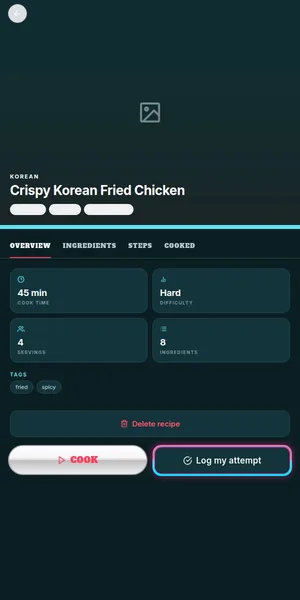
Import from what you have
Paste a publicly accessible recipe blog or social link when recipe content can be retrieved, add a photo with clear, readable recipe text, or enter details by hand. Private, login-blocked or sparse sources may not work.
Review before saving
Check amounts, serving sizes, cooking times and steps. Missing or ambiguous information should be corrected against the original.
Put the card to work
Save the reviewed card to your vault, sort it into a collection, then use it to plan dinner and prepare a grocery list.
Frequently asked
Is AI extraction always accurate?
No. It depends on the available text and image quality. Always review the draft, especially amounts and food-safety instructions.
Can I import a private post?
DishVault cannot read content it cannot access. You can enter your own recipe details manually.
Can I edit an imported recipe?
Yes. Review and change the recipe card rather than treating AI output as a finished recipe.
Related DishVault guides
Try DishVault — Create Free Profile. No credit card required.